
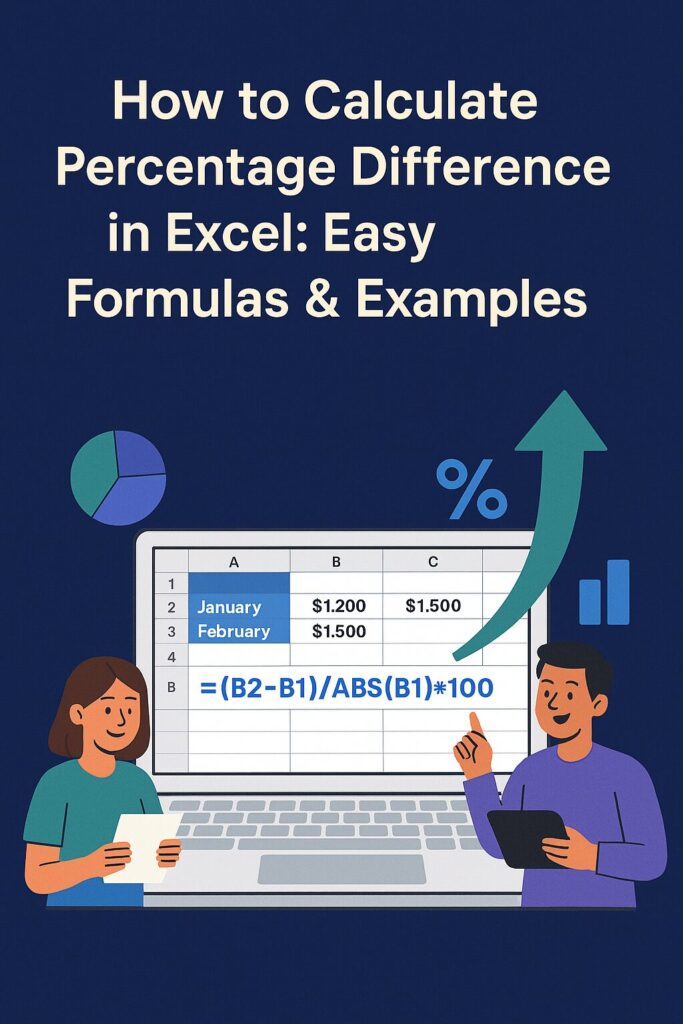
📊 Why You Should Know This
Knowing how to calculate percentage difference in Excel is a skill everyone needs; whether you’re managing a budget, comparing grades, or analyzing sales data. The best part? It’s way easier than it sounds, and we’ll walk you through it with examples, shortcuts, and fun analogies!
Whether you’re a student, entrepreneur, or someone trying to track expenses, understanding percentage change helps you make smart decisions.
🧮 What Is Percentage Difference?
In simple terms, percentage difference compares the difference between two numbers, showing how much one value has increased or decreased in relation to the original.
Here’s the formula we’ll use in Excel:
Formula: (New Value - Old Value) / ABS(Old Value) x 100
Let’s break it down!
Step-by-Step: How to Calculate Percentage Difference in Excel
✏️ Example 1: Sales Comparison
Let’s say you’re comparing last month’s sales to this month.
| Month | Sales |
|---|---|
| January | $1,200 |
| February | $1,500 |
In Excel, you’d type:
sql=(B2-B1)/ABS(B1) x 100
🔍 This formula subtracts the older value from the newer one, divides by the absolute value of the old number (to avoid negative math confusion), and multiplies by 100 to get a percentage.
Result:
25% → meaning sales increased by 25% in February.
✏️ Example 2: Grade Improvement
Let’s say your grade went from 60 to 75.
| Test | Score |
|---|---|
| Test 1 | 60 |
| Test 2 | 75 |
Formula: sql=(B2-B1)/ABS(B1) x 100
Result:
25% improvement in performance 🎉
When to Use Percentage Difference vs. Percentage Change
Both are used interchangeably, but technically:
- Percentage Change shows movement from one value to another (e.g., sales up or down).
- Percentage Difference compares two numbers without defining a base value (like price comparison).
In Excel, the formula works the same; it’s how you interpret the result that varies.
🧠 Pro Tips to Make Excel Work for You
- 💡 Use
ABS()to keep results clean and positive - 📉 Format cells as percentages for easier viewing (Right click → Format Cells → Percentage)
- 🔁 Drag formulas down to apply across multiple rows
- 🎨 Use Conditional Formatting to color code increases (green) and decreases (red)
🎯 When Should You Use Percentage Difference?
✅ Comparing monthly sales, revenue, or expenses
✅ Measuring student performance improvement
✅ Analyzing market price fluctuations
✅ Evaluating growth in social media followers
✅ Checking discount effectiveness during sales
🔍 Common Mistakes to Avoid
- ❌ Forgetting to use
ABS()— can result in misleading negative values - ❌ Using the wrong cell as the “old value” — always base on the original number
- ❌ Not formatting as a percentage — makes results harder to read
🌍 Real-World Applications
- Students: Easily track progress over time with test scores.
- Parents: Budget more effectively by comparing spending between months.
- Entrepreneurs: Assess ROI by comparing campaign performance.
- Teachers: Analyze class averages for instructional impact.
- Marketers: Monitor engagement growth by week or month.
🛠️ Tools You Can Use
Consider using:
- Google Sheets (free and accessible anywhere)
- Microsoft Excel (powerful features for data analysis)
- Educify.org Excel Templates (coming soon!)
📣 Final Thoughts
Mastering how to calculate percentage difference in Excel is a simple skill that opens doors to better decisions, clearer communication, and smarter problem-solving.
From budgeting to student performance, the applications are endless and now, you’ve got the know-how!
🔗 Related Resources on Educify
- The Top Life Skills 12-Year-Olds Should Know in united state
- 5 Ultimate Guide to the Success Academy Academic Calendar
- Data Structures & Algorithms: 6 Unbeatable Platforms to Level Up Your Coding
Learning how to calculate percentage difference in Excel is one of those “forever skills.” It’s fast, powerful, and helps you compare anything from grades and budgets to business stats.
Excel might seem scary, but with the right guide, it’s actually super fun! So, the next time you see two numbers and wonder “How much did that change?” you’ll know exactly what to do.
Want to make Excel your superpower? 🚀
Explore more fun, practical, and student-friendly guides at Educify.org. Whether you’re a learner, teacher, or parent, you’ll love how we make learning Excel fun and effective!














One Response